Prompting strategies, iterative refinement, and the workflow patterns that separate a frustrating afternoon from a productive one.
The prompt is the blueprint, the vibe is the floor, Context in, intent out — that's the craft at the core. Don't dictate the how, just describe what it's for, Iterate, refine, then iterate some more.
I The Prompting Mindset
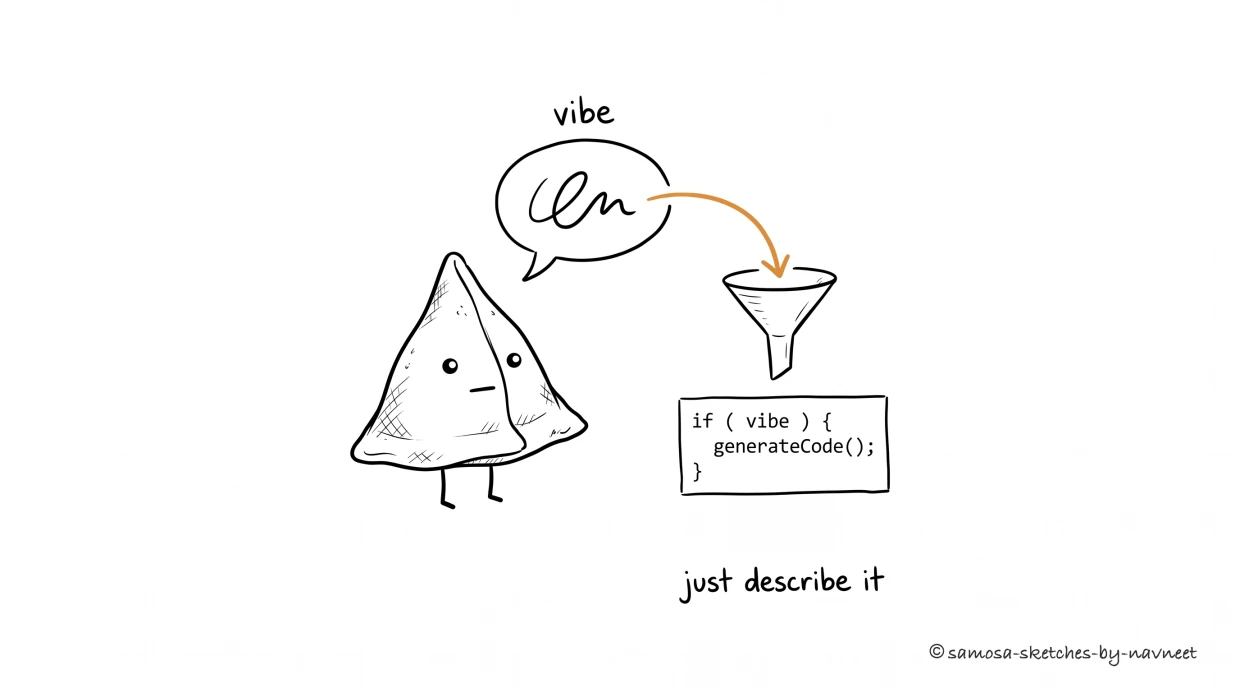
Vibe coding: describe the intent in plain words and let the tool produce the code. The craft is in how well you describe the vibe.
Here's the mistake almost everyone makes the first time they sit down with an AI coding tool: they treat it like a command line. "Build me a dashboard." "Make a login page." "Add a chart that shows monthly revenue." They type the instruction, hit enter, and wait for the machine to obey.
Sometimes it works. More often, the result is close enough to be frustrating — recognizably related to what you wanted, but wrong in ways that are hard to articulate. The dashboard exists, but the layout feels off. The login page works, but it doesn't match the rest of your app. The chart renders, but it's the wrong kind of chart with the wrong data granularity.
The problem isn't the tool. The problem is the mental model. Prompting isn't commanding — it's collaborating.You're not typing into a terminal that executes instructions literally. You're having a conversation with something that interprets intent, fills in gaps, and makes decisions about everything you didn't specify. The quality of those decisions depends entirely on the quality of the context you provide.
Analogy
Prompting is like giving directions to a taxi driver.Say "take me to the airport" and you'll get there — by whatever route the driver thinks is best. That might be fine. But say "take me to the airport, avoid the highway, I need to stop at the ATM on 5th first" and you'll get exactly the trip you needed. The driver's still driving. You're just being specific about the destination and constraints. Dictating every turn — "left here, right here, straight for two blocks" — breaks down the moment the road changes.
The best prompters don't write longer prompts. They write more intentional ones. They describe outcomes instead of implementations. They set context before giving instructions. They think about what the AI doesn't know, not just what they want it to do. Mario Zechner, after a full year of building with AI agents, published a reflection titled "Thoughts on Slowing the Fuck Down" — his core takeaway was that speed without intentionality produces worse results than deliberate, thoughtful prompting at half the pace.
This shift in mindset — from commanding to collaborating — is the single biggest unlock. Once you stop treating the AI like a vending machine and start treating it like a capable colleague who just joined the project, everything else falls into place. Claire Vo, a veteran product leader, described her own arc with AI agents as going "from skeptic to true believer" — not because the technology got better overnight, but because she stopped issuing commands and started having conversations with context.
II Anatomy of a Good Prompt
A good prompt isn't one thing — it's three things working together. Miss any one of them and the AI fills the gap with confident guesswork. A prompt without context is a GPS coordinate without a map — technically precise, practically useless.
Context— What already exists. The project, the stack, the patterns in place. "Add a search bar" means something very different in a React app with a component library than in a vanilla HTML page.
Constraint— What to respect. The guardrails that prevent the AI from technically solving the problem while creating three new ones. "Match the existing card style." "Don't modify the schema." "Keep it under 200 lines."
Intent— What you actually want and why, not how to build it. "Users should filter products by category to find items faster" is intent. "Add a dropdown that triggers a filterProducts function" is implementation that locks the AI into your guess about the right approach.
Key Insight
Describe the outcome, not the implementation.Tell the AI what users should be able to do, not what functions to write. "Users should see a preview of their email before sending" beats "Create a PreviewModal component with a renderEmail method that takes a template string." You know the outcome better than the AI. The AI knows the implementation better than you. Play to both strengths.
Here's the difference in practice:
Vague:"Add a settings page."
Specific:"Add a settings page to the existing React app. It should let users update their display name and email, with a form that validates email format before saving. Match the card-based layout we use on the profile page. Save via the existing /api/user/update endpoint."
III The Iteration Loop
Nobody nails it on the first prompt. Not beginners, not experts, not the people who write prompting guides. The first prompt is a conversation starter, not a final order. The real craft is in what comes after.
The most productive pattern follows three turns: scaffold, refine, polish.
Scaffold.Your first prompt should be broad. Get the structure right. Don't worry about pixel-perfect styling or edge cases. "Build a task management page with a list of tasks, an input to add new ones, and the ability to mark them complete." You're laying the foundation, not hanging the curtains.
Refine.Now you have something to react to. This is where most of the value lives. "Move the add-task input to the top instead of the bottom. Add a count of remaining tasks in the header. Make completed tasks fade to 50% opacity instead of using strikethrough." These are specific, observable changes that the AI can act on immediately because it already has the full context of what it just built.
Polish.Tighten the details. "Add a subtle animation when tasks get checked off. Make the input auto-focus when the page loads. Add an empty state message when there are no tasks." This is where you go from "it works" to "it feels right."
The key insight about this loop: each turn gets more specific because you have more to point at.It's much easier to say "move that sidebar to the left" when the sidebar exists than to perfectly describe its position in advance. You're reacting to reality, not predicting it.
One thing that kills the iteration loop faster than anything: vague feedback. "I don't like it" gives the AI nothing to work with. "The spacing between cards is too tight and the header should be sticky" gives it everything. Be specific about what's wrong, not just that something is wrong.
Try it yourself
The Iteration Simulator
Step through three turns of prompting and watch a task-list app evolve from scaffold to polished product.
Your Prompt
Turn 1 — Scaffold
"Build a task management page with a list of tasks, an input to add new ones, and the ability to mark them complete."
AI Output
Tasks
IV Working with Context
Every AI tool has a context window — the amount of information it can hold in its working memory during a conversation. Think of it as the AI's desk space. At the start of a session, the desk is clear, and you can spread out the whole project. As the conversation goes on, old papers get pushed aside to make room for new ones. Eventually, the things you discussed twenty minutes ago are gone.
This matters for vibe coding because long sessions accumulate cruft. The AI remembers your last five requests but forgets the architectural decision you made at the start. It matches the pattern from the most recent code it generated, even if that code was a quick hack you told it to clean up.
When to start fresh:If you're switching to a fundamentally different part of the project. If the conversation has gone on for 30+ turns and the AI is starting to repeat mistakes or forget constraints. If you're getting diminishing returns from refinement.
When to continue:If you're still iterating on the same feature. If the AI has built up useful context about your preferences and patterns. If starting over would mean re-explaining twenty decisions.
But the real power move isn't managing individual sessions — it's setting up persistent context that survives across them.
A long AI session is like a game of telephone with yourself — by turn 20, the message has drifted so far from the original that even you don't recognize it.
Project files are your secret weapon. Tools like Claude Code read a CLAUDE.md file at the root of your project every time a session starts — your standing instruction set that survives across conversations. Two essentials anchor it: what your stack is("React 18, TypeScript, Tailwind, Supabase") and what to avoid("Never use inline styles. Don't modify auth middleware."). Conventions, architecture decisions, and deploy steps round it out, but those two anchors prevent the most common AI missteps.
Builder Tip
Writing a good project file is a 30-minute investment that pays back every session. Beyond CLAUDE.md, some tools also support memory files — like Claude Code's MEMORY.md— where the AI accumulates learnings across conversations: patterns it discovered, debugging insights, your preferences, what worked and what didn't. You get project files that become smarter over time. Spend 30 minutes writing your CLAUDE.md today. List your stack, your naming conventions, your deploy process, and your "never do X" rules. Every future session starts better because of it.
The difference between tools that remember and tools that forget is the difference between a colleague who's been on the project for months and a contractor who just walked in the door. Both can write code. One writes code that fits. Peter Steinberger, creator of the viral AI agent OpenClaw, takes this to the logical extreme: his workflow is "ship code, don't read it." He relies so heavily on persistent context and agent memory that reviewing individual lines becomes unnecessary. That's the far end of the spectrum — and it only works because the context layer is doing the heavy lifting.
Visualize
Context Window Burn Rate
Drag the slider to see how context allocation shifts as a conversation grows. Early decisions fade while recent code dominates.
Conversation turn:Turn 1
Sys
Files
Decisions
Code
Req
System prompt
Project files
Early decisions
Recent code
Current request
Output Quality
Fresh and focused — the AI has strong context for your project and remembers your early decisions.
V Patterns & Anti-Patterns
After enough sessions, clear patterns emerge — things that consistently produce good results, and things that consistently waste time. Here's the cheat sheet.
Do This
Not This
Why It Matters
Describe the outcome
Dictate implementation
The AI often knows a better way to build what you want
Iterate in small steps
One mega-prompt
Easier to catch and fix problems when changes are incremental
Show examples
Be vague about expectations
"Like the cards on our dashboard page" eliminates 90% of ambiguity
Set constraints explicitly
Hope it respects your patterns
The AI doesn't know your unwritten rules unless you write them down
Give specific feedback
"I don't like it"
The AI can act on "too much spacing" but not on "it feels off"
Start a new session when stuck
Keep pushing in a broken context
A fresh context often solves problems that 10 more prompts won't
One anti-pattern deserves special mention: the mega-prompt— the all-you-can-eat buffet of AI coding. You pile every feature, screen, and edge case onto the plate, and nothing tastes quite right. The more you specify in one shot, the more likely parts go subtly wrong. By the time you spot the mistakes, you're debugging a tangled output instead of building from something simple.
The iterative approach isn't just more reliable — it's faster. Three focused prompts take less total time than one mega-prompt followed by a frustrated "no, that's not what I meant" cycle.
Try it yourself
Fix This Prompt
Each card shows a weak prompt. Pick the best improved version — the one that applies the principles from this article.
Scenario 1 of 4
Weak PromptBuild me a dashboard.
VI What's Next
You've got the tools from Part 1, and now you've got the craft. You know how to structure prompts, iterate without losing your mind, and set up context that carries across sessions. The gap between "idea" and "working prototype" has collapsed.
But here's the question nobody wants to ask: when should you stop?When does the prototype stop being a prototype and start needing a real engineer? When does "works on my machine" become a problem? When is AI-generated code good enough to ship — and when is it a liability?
Part 3 is the reality check. The honest boundaries of what vibe coding can and can't do, and the framework for knowing when to build it yourself, when to get a review, and when to hand it off entirely.
Test your understanding
Article Recap
5 questions covering the key concepts from this article.
1 of 5
A builder complains that their AI coding tool keeps producing login pages that "look wrong" even though they work. Their prompt was: "Build me a login page." What's the root cause?